Scammers love small shops. You're busy, you answer your own phone, and you probably don't have an IT department double-checking every email. Most scams aimed at retailers don't need any hacking skill at all. They just need someone in a hurry to believe a story. The fix is mostly habits, and they're easy to teach your whole team.
The scams retailers see most
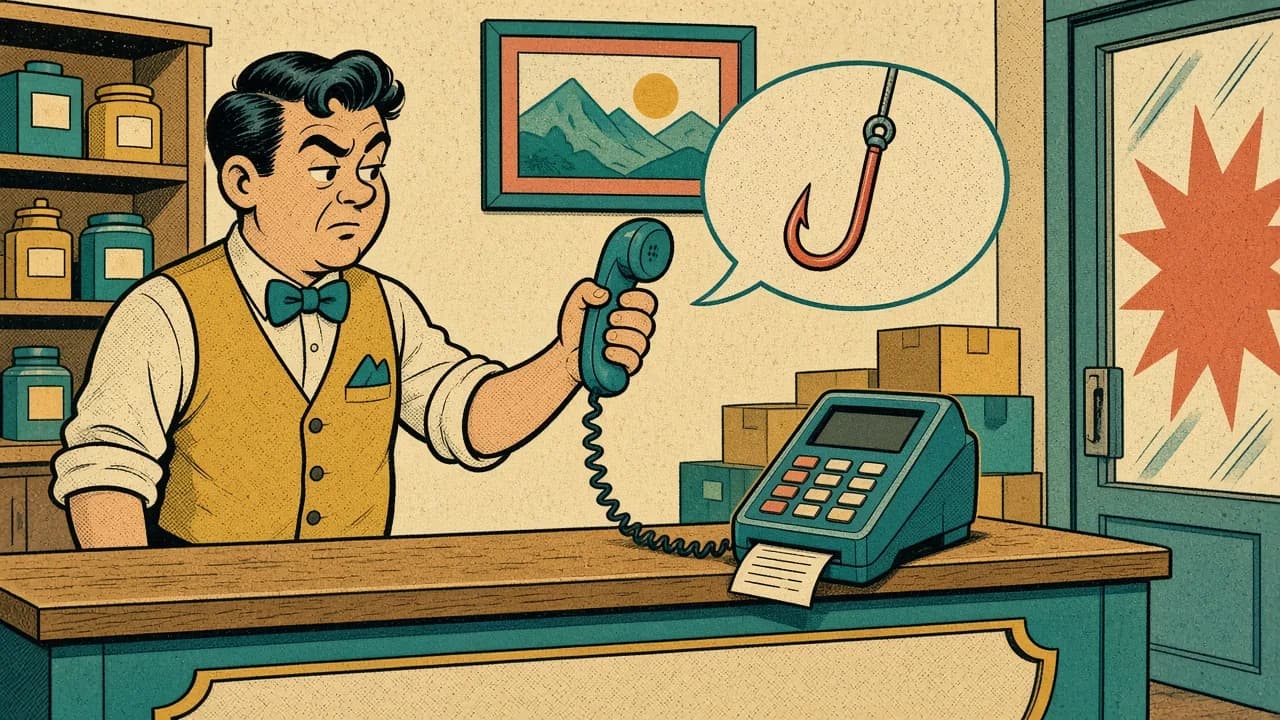
The "processor" or "utility" phone call
Someone calls claiming to be from your card processor, your POS company, or the power company. They say your account has a problem, your terminal needs an "urgent update," or your power will be shut off today unless you pay right now. They often want a payment, a login, or remote access to your computer.
The fake technician
A person shows up (or calls ahead) saying they're here to swap or service your card terminal. A tampered terminal can capture card data, so a surprise "repair" visit is a real red flag.
The gift card demand
The caller asks you or an employee to buy gift cards off your own rack and read the numbers over the phone, sometimes pretending to be the owner or a manager. The FTC is blunt about this one: anyone who tells you to pay by gift card is a scammer. (FTC: Avoiding and Reporting Gift Card Scams)
Phishing emails and fake invoices
An email looks like it came from a vendor, your bank, or a shipping company. It asks you to "verify your account," open an attached invoice, or click a link to see a package or a payment. The link leads to a fake sign-in page that steals your password, or the attachment installs something nasty.
The "new bank details" trick
A message that seems to come from a regular supplier says they've changed banks and asks you to send future payments to a new account. If you do, the money goes to the scammer.
Red flags to teach everyone
- Urgency. "Today," "right now," "or your account will be closed." Real companies give you time.
- Unusual payment methods. Gift cards, wire transfers, payment apps, or crypto for a bill that's never been paid that way before.
- Requests for passwords, codes, or remote access. Your processor and your POS company shouldn't need your password, and nobody legitimate needs the one-time code texted to your phone.
- Surprise visits or calls you didn't schedule.
- Email addresses and links that are slightly off. Hover over a link before clicking to see where it really goes.
- Pressure to keep it secret or skip the usual approval.
Simple habits that stop most scams
Hang up and call back
If someone calls about your account, get their name, hang up, and call the number on your statement, your contract, or the company's official website. Never use a number the caller gives you. A real company won't mind.
Verify technicians before they touch anything
Make it a store rule: no one services, swaps, or unplugs a card terminal or POS computer unless the owner or manager has confirmed the visit with the company directly. Ask for ID, and if you're not sure, they can come back.
Confirm bank changes by phone
Before you change where you send a vendor's payments, call that vendor at a number you already had on file. Not the one in the email.
Set a clear gift card rule
Tell every employee, in writing, that no manager or owner will ever ask them to buy gift cards and read off the numbers. If anyone asks, the answer is no, and they should call you.
Protect your logins
Use strong, unique passwords for your bank, processor portal, email, and POS. Turn on two-step verification (a code sent to your phone or an app) wherever it's offered. That way a stolen password alone isn't enough.
Slow down on email
Don't open attachments or click links you weren't expecting. If an email says there's a problem with an account, go to that company's website by typing the address yourself and sign in from there.
If something already happened
Don't be embarrassed. These scams are designed to fool people. Act fast:
- Call your bank or processor right away using the number on your card or statement.
- Change any password you may have given out, and turn on two-step verification.
- If gift cards were involved, contact the company that issued them as soon as possible.
- Report it to the FTC at ReportFraud.ftc.gov.
- If someone had remote access to a computer, have it checked before you use it for business again.
We can help
Custom Software Inc. is right here in Terre Haute. If you're not sure whether a call, email, or visit was legit, give us a call or send us a message before you act. We can also check your POS setup, passwords, and network, and help train your staff to spot scams. Visit customsoftwareinc.net or message us on Facebook.
And if you've got ideas for how a POS system should help protect small shops, we're building a new one with input from local retailers. We'd love to hear from you.
See it running in 15 minutes
No pressure, no commitment. We’ll show you the register and back office and answer your questions.