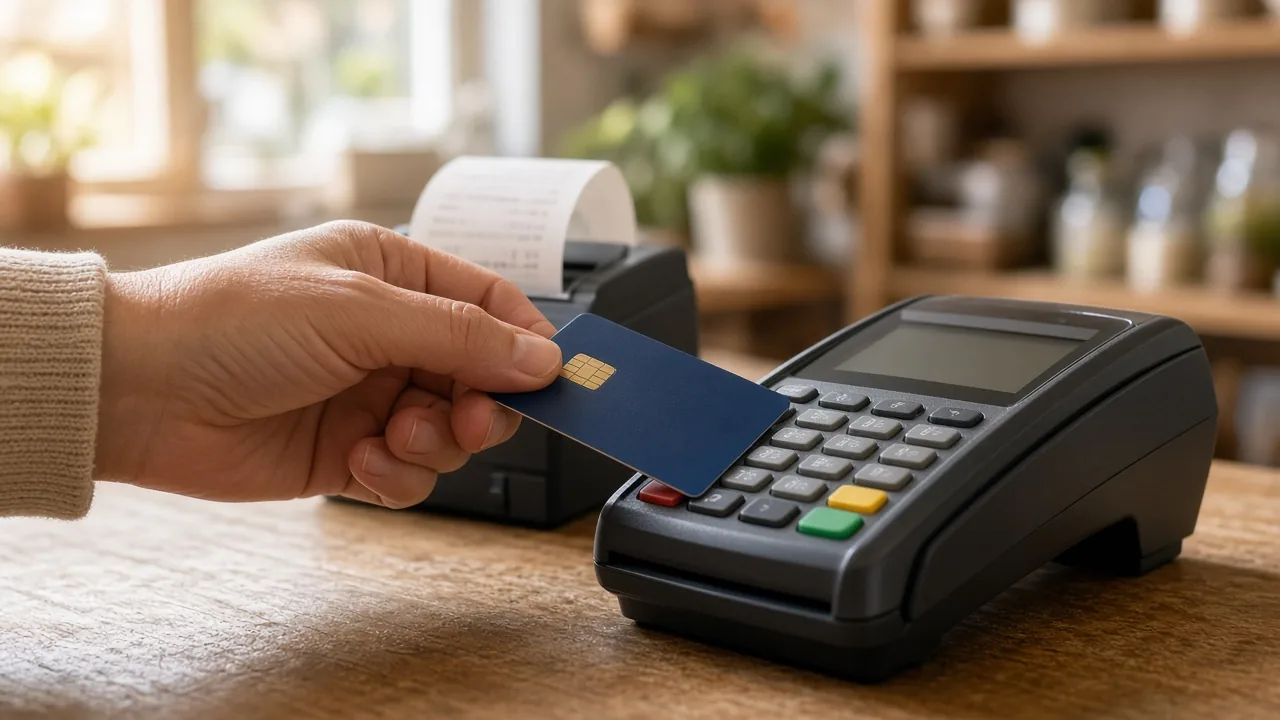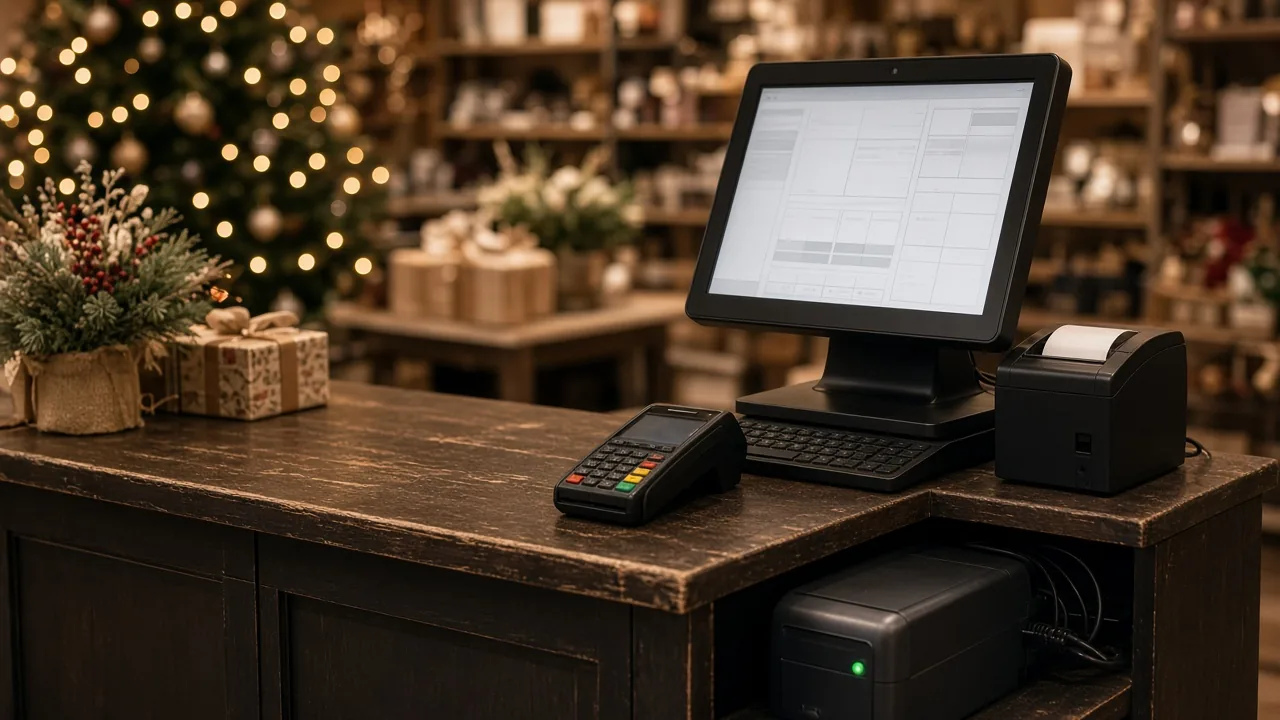
Internet outages, power flickers, and printer jams never pick a convenient time. During the holidays, a few minutes of downtime can mean a long line and customers walking out. The fix isn't expensive. It's a plan you put together now, while things are calm.
Plan for internet outages
Know your terminal's offline mode
Many card terminals and processors offer an offline mode, sometimes called "store and forward." The terminal saves transactions and sends them once the connection comes back. The catch is that the card isn't approved at the time of the sale, so if it's declined later, you're the one out the money. Ask your processor:
- Whether offline mode is turned on for your account
- Whether there are limits on how much you can take offline
- How offline transactions show up in your reports
If you use it, set a maximum sale amount for offline sales and decide who's allowed to approve them.
Have a backup connection
A cellular hotspot or a router that switches to cellular when your main internet drops can keep you running. Test it before you need it. Make sure it actually connects your POS and your terminal, not just your phone.
Keep your provider's info handy
Write down your internet provider's support number and your account number, and keep them with your plan.
Plan for power problems
A battery backup, also called a UPS, gives you time to finish the sale in progress and shut down safely when the power blinks. Put your POS computer, modem, and router on one. Check the battery backup's manual for what's safe to plug into it, and use surge protection for everything else at the counter.
Keep spare supplies on hand
- Extra receipt paper in the right size for your printer
- Spare USB and power cables for your printer, scanner, and terminal
- The cash drawer key, kept somewhere your staff can find it, since most drawers can be opened manually with the key
- A backup scanner or terminal, if you have one, charged and ready
Be careful with updates and changes
Install Windows and POS updates early in November, then schedule any updates outside business hours during your busiest weeks. Avoid adding new hardware or changing settings the week of a big sale. Restarting your POS computer before you open on a big day can head off a lot of small problems.
Make sure your data is backed up
Confirm that your POS data is backed up and that you know how to restore it. A backup you've never tested is just a hope.
Have a manual fallback
If you can't process cards at all:
- Keep a paper sales log with the item, price, quantity, and payment type, and enter the sales into your POS later
- Print a price list for your top items in case scanning or lookup goes down
- Never write down customers' full card numbers. That creates a real security and PCI compliance risk. Take cash, use a backup connection or terminal, or ask the customer to come back.
Put it all on one page
Write a simple one-page plan with:
- Who to call: your internet provider, card processor, POS support, and hardware support
- Who's in charge when something goes wrong
- The steps for an internet outage, a power outage, and a printer or scanner failure
Tape it near the register and walk your staff through it before the rush starts.
We can help
Custom Software Inc. supports small retailers in Terre Haute and across west-central Indiana with POS hardware, software, and IT services. If you'd like us to look over your setup, recommend a battery backup or backup internet option, or help you test your plan, visit customsoftwareinc.net or message us on Facebook.
We're also building a new POS system with local retailers' input. If you've ever been stuck during an outage and wished your system handled it better, tell us. We'd love your help shaping it.
See it running in 15 minutes
No pressure, no commitment. We’ll show you the register and back office and answer your questions.