The holidays can make your year, but only if the right products are on the shelf at the right time. Running out of a best seller in mid-December costs you sales, and overbuying leaves cash sitting in the back room come January. Here's a practical checklist to get ready now.
Start with last year's numbers
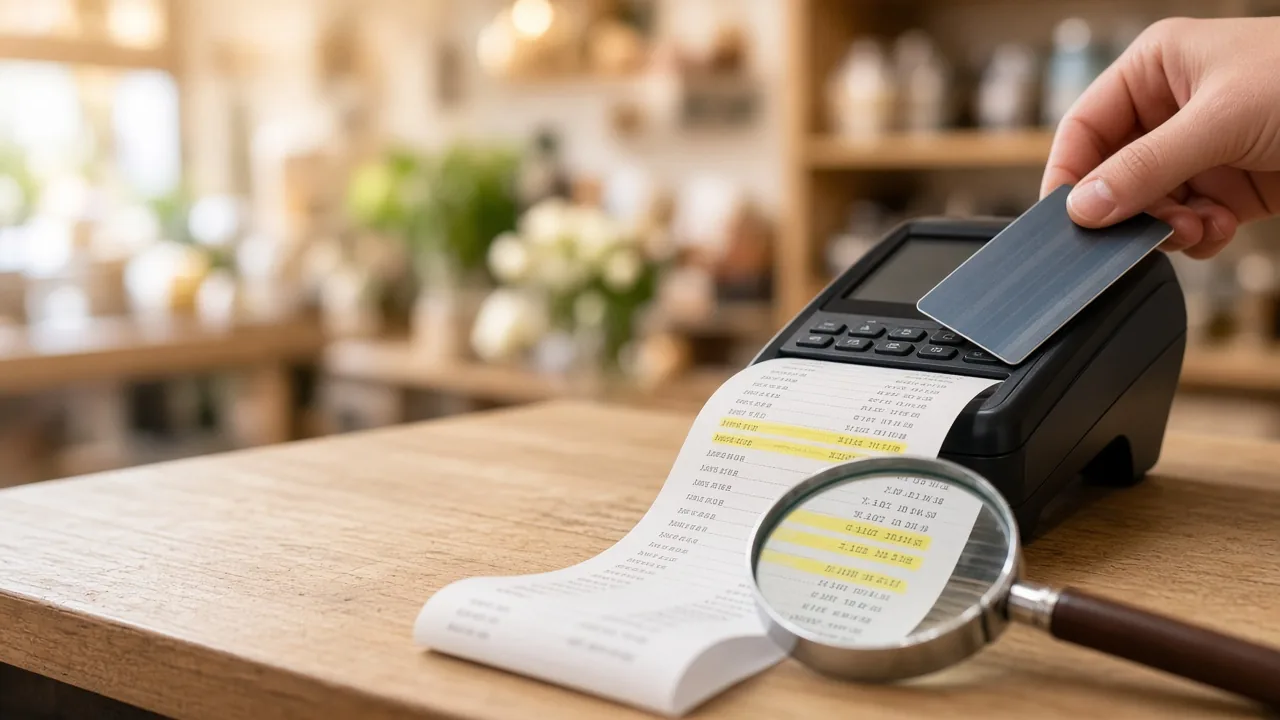
Pull last November's and December's sales by item or category from your POS, and look for:
- Best sellers that ran out
- Items that sold steadily all season
- Items you overbought
- The weeks when sales peaked
Treat last year as a starting point, not a forecast. Adjust for what's changed, like new product lines, price changes, new competition, or local events. If you're a newer store, use whatever history you have and ask your vendors what sold well for shops like yours.
Set reorder points for your best sellers
A reorder point is the stock level that tells you it's time to order again. A simple way to figure it:
Reorder point = (average daily sales × supplier lead time in days) + safety stock
Example only: if you sell about 4 of an item a day, your supplier takes 10 days to deliver, and you want a cushion of 10 units, you'd reorder when you're down to 50.
During the holidays, use your holiday sales pace rather than your normal one, and plan for longer lead times. Many POS systems can flag items that drop below a level you set, so get those alerts set up now.
Order early and confirm everything
Ask your suppliers for their holiday order cutoff dates. Confirm orders in writing, and where you can, line up a backup supplier for your most important items.
Count before the rush
Do a full count, or at least count your high-value and fast-moving items. Fix any differences in your POS and try to figure out why they happened. It could be receiving mistakes, miscounts, or theft. Accurate numbers are what make your reorder alerts work.
Tighten up receiving
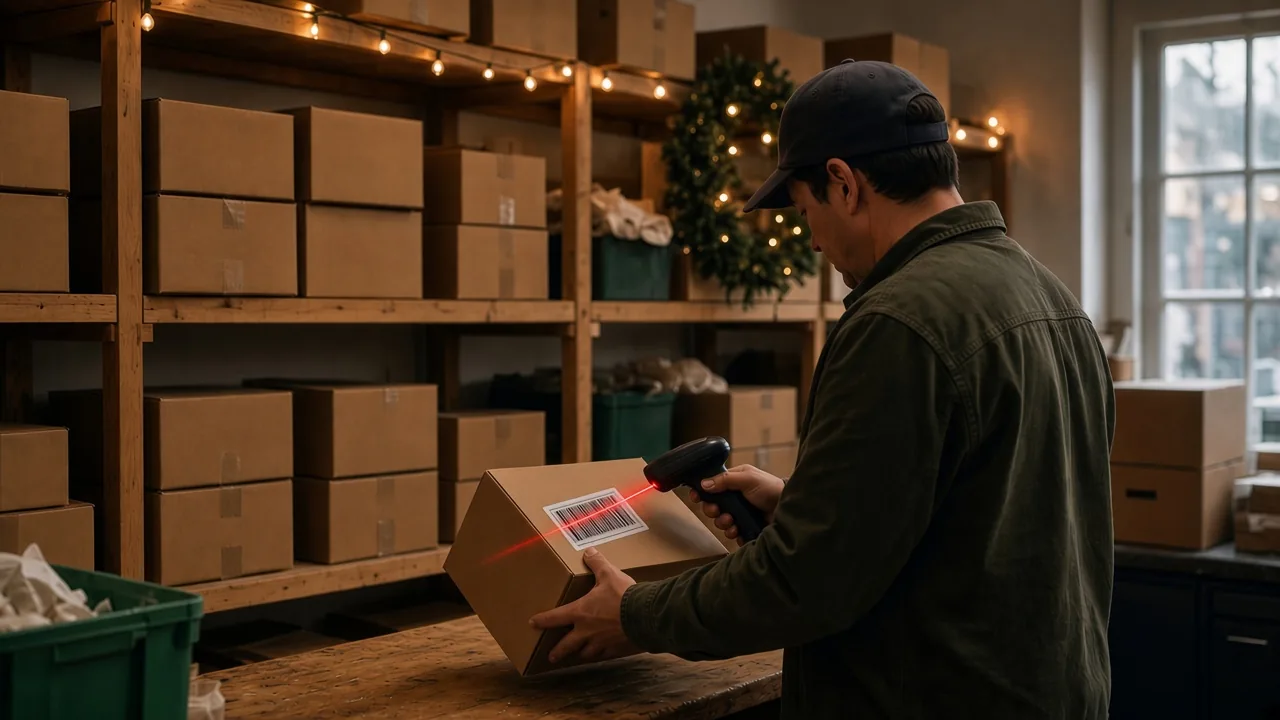
Holiday shipments come in fast, and receiving is where mistakes creep in. Before anything goes on the shelf:
- Check each shipment against your purchase order
- Enter it in your POS the same day
- Price or label items before they go out on the floor
On busy days, put one person in charge of receiving so nothing falls through the cracks.
Deal with slow movers now
Products that aren't selling tie up cash and shelf space you need for holiday stock. A few ways to move them:
- Bundle them with best sellers
- Set up a gift display near the register
- Mark them down before the rush, not after
- Send them back to the vendor if your agreement allows it
Plan for gift cards, returns, and exchanges
Decide now whether you'll extend your return window for the holidays, and print your policy on receipts. Offer gift receipts. When returns come back in January, inspect each item and record it correctly in your POS, either back in stock or as damaged, so your counts stay accurate. A quick count in January will show you where you stand.
Check in every day during the season
Make a habit of glancing at your low-stock report each morning and reviewing your best sellers every week. Small adjustments in November are much easier than scrambling in December.
We can help
Custom Software Inc. works with small retailers in Terre Haute and across west-central Indiana to get more out of their POS, from setting up low-stock alerts to pulling the sales reports that make ordering easier. Visit customsoftwareinc.net or message us on Facebook.
We're also building a new POS system with help from local retailers. If you've ever wished your inventory tools worked differently, we'd love to hear from you and have you help shape it.
See it running in 15 minutes
No pressure, no commitment. We’ll show you the register and back office and answer your questions.