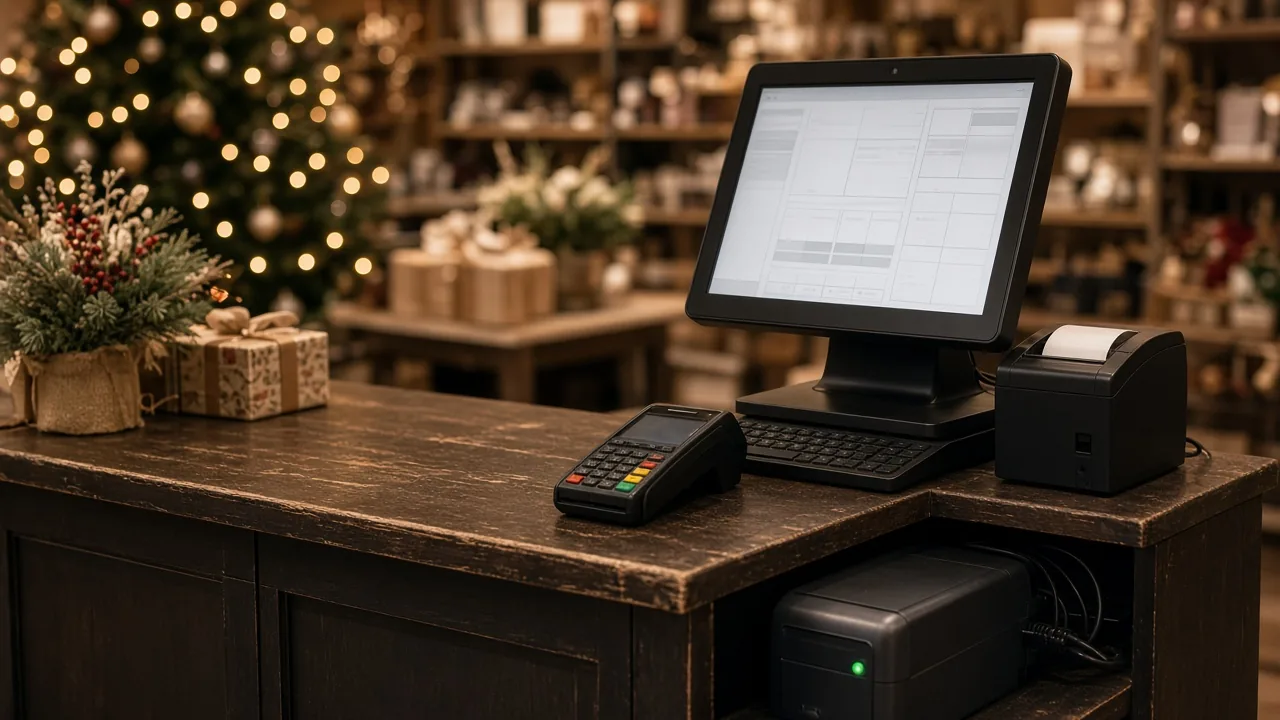
Your POS records every sale, every refund, and every item that leaves the shelf. That's a goldmine of information, but most small shop owners only look at the daily total. Spending 20 or 30 minutes a week with a few key reports can help you order smarter, catch problems early, and schedule your staff better. Here are five to start with.
1. Sales by item (best and worst sellers)
This report shows what sold and how much. Sort it two ways:
- Top sellers: Make sure you never run out of these. Compare what sold to what's on hand, and check that your reorder points still make sense.
- Bottom sellers: Items that barely move tie up cash and shelf space. Consider moving them to a better spot, bundling them, marking them down, or not reordering.
If your POS can show profit or margin by item, look at that too. A best seller with a thin margin may matter less than a steady item that makes you more on each sale.
2. Sales by hour and day
When are you busy, and when is the store empty? This report helps you:
- Schedule more help during your rush and fewer people when it's quiet.
- Pick the best times for deliveries, restocking, and cycle counts.
- Decide whether opening earlier or staying open later is worth it.
Look at a few weeks together so one rainy Tuesday doesn't throw you off.
3. Refunds, voids, and discounts
This is the report many owners skip, and it's one of the most important. Look at refunds, voided sales, "no sale" drawer openings, and manual discounts, broken down by employee if your system allows it.
Most of the time, there's an innocent explanation: a customer changed their mind or a new employee rang something up wrong. But patterns are worth a closer look, like one person with far more voids than everyone else, refunds with no receipt, or discounts given to the same few customers. Catching it early is better for everyone, and sometimes the answer is simply more training.
This report works best when every employee has their own POS login, so you can see who did what.
4. Inventory on hand and low stock
Your POS can warn you before you run out. Check your low-stock report every week and use it to build your order. Also look for items with negative quantities or counts that don't make sense. Those usually mean something went wrong at receiving or checkout, and fixing it now keeps your numbers trustworthy.
5. Payment types and card batches
See how customers are paying: cash, credit, debit, gift cards, or something else. Then make sure your card batches settled every day and the deposits in your bank match what the POS says you took in. A batch that didn't close, or a deposit that's short, is much easier to sort out within a few days than a month later.
This is also a good time to check your cash over/short by day. Small differences happen, but a regular gap is a reason to look at how cash is being handled.
Make it a habit
Reports only help if you look at them. A few tips:
- Pick a time. Monday morning with a cup of coffee works for a lot of owners.
- Compare like with like. Compare this week to last week, and this month to the same month last year if you have the history.
- Write down one action. Each week, pick one thing to do based on what you saw: reorder something, move a display, adjust a schedule, or talk with an employee.
- Ask for help if reports are hard to find. Many POS systems have useful reports buried in menus. Once you know where they are, it gets much faster.
Keep your data clean
Reports are only as good as what goes in. Make sure items are set up with the right categories and costs, receive inventory into the system when it arrives, and avoid ringing things up under a generic "misc" button. Clean data now means reports you can trust later.
We can help
Custom Software Inc. is a Terre Haute company that supports POS systems for local retailers. If you're not sure which reports your system has, or you'd like help setting up categories and costs so your reports make sense, give us a call or send us a message. Visit customsoftwareinc.net.
We're also building a new POS system with help from local store owners. If there's a report you wish your POS had, tell us. We want to build it.
See it running in 15 minutes
No pressure, no commitment. We’ll show you the register and back office and answer your questions.